
D.C.S
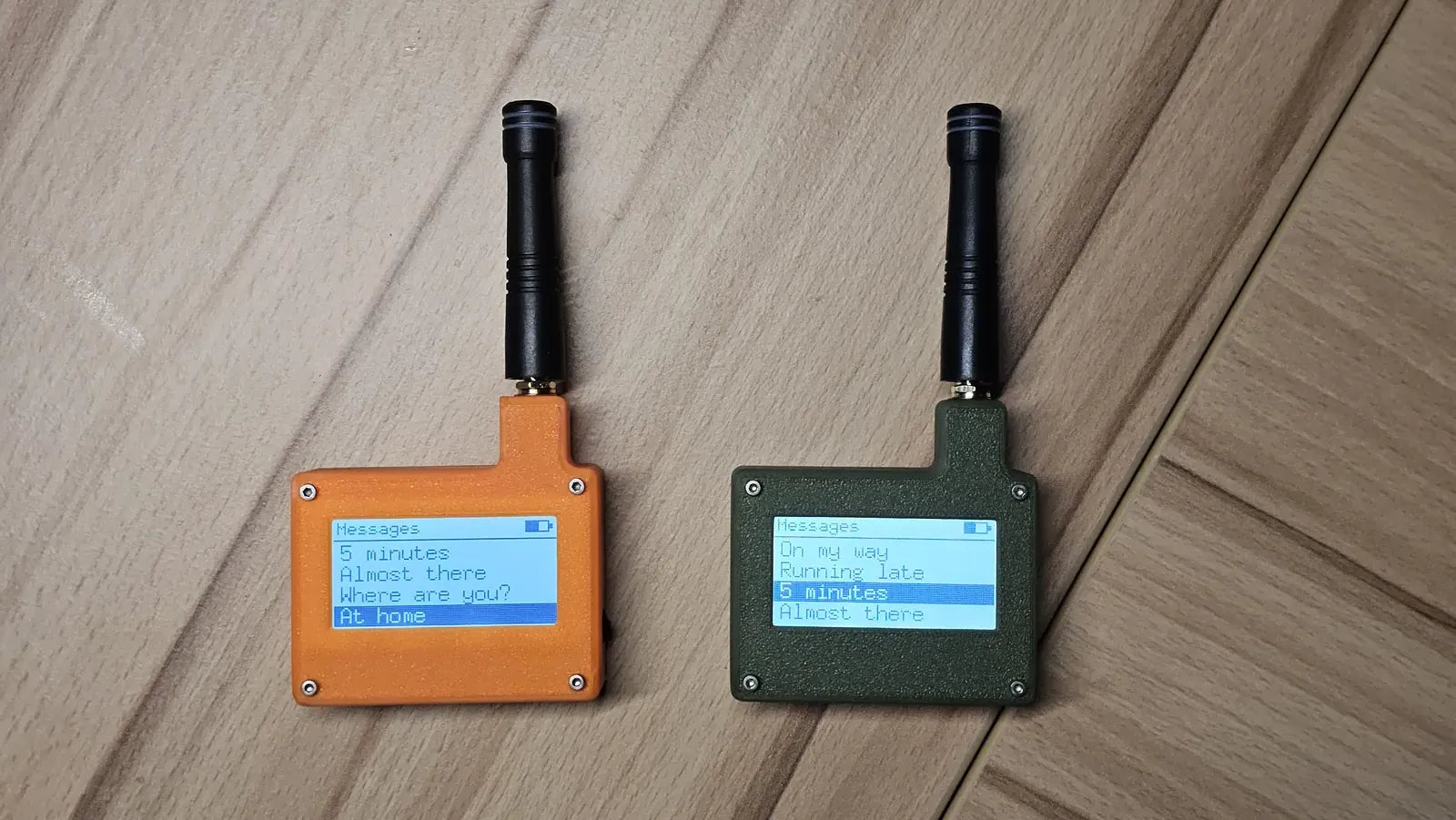
Two devices. No network. Just radio.
A pocket LoRa messenger you build and flash yourself — it talks to its twin over kilometres of open air, with zero cell towers, SIMs, or accounts in between.
 — our PCB fabrication partner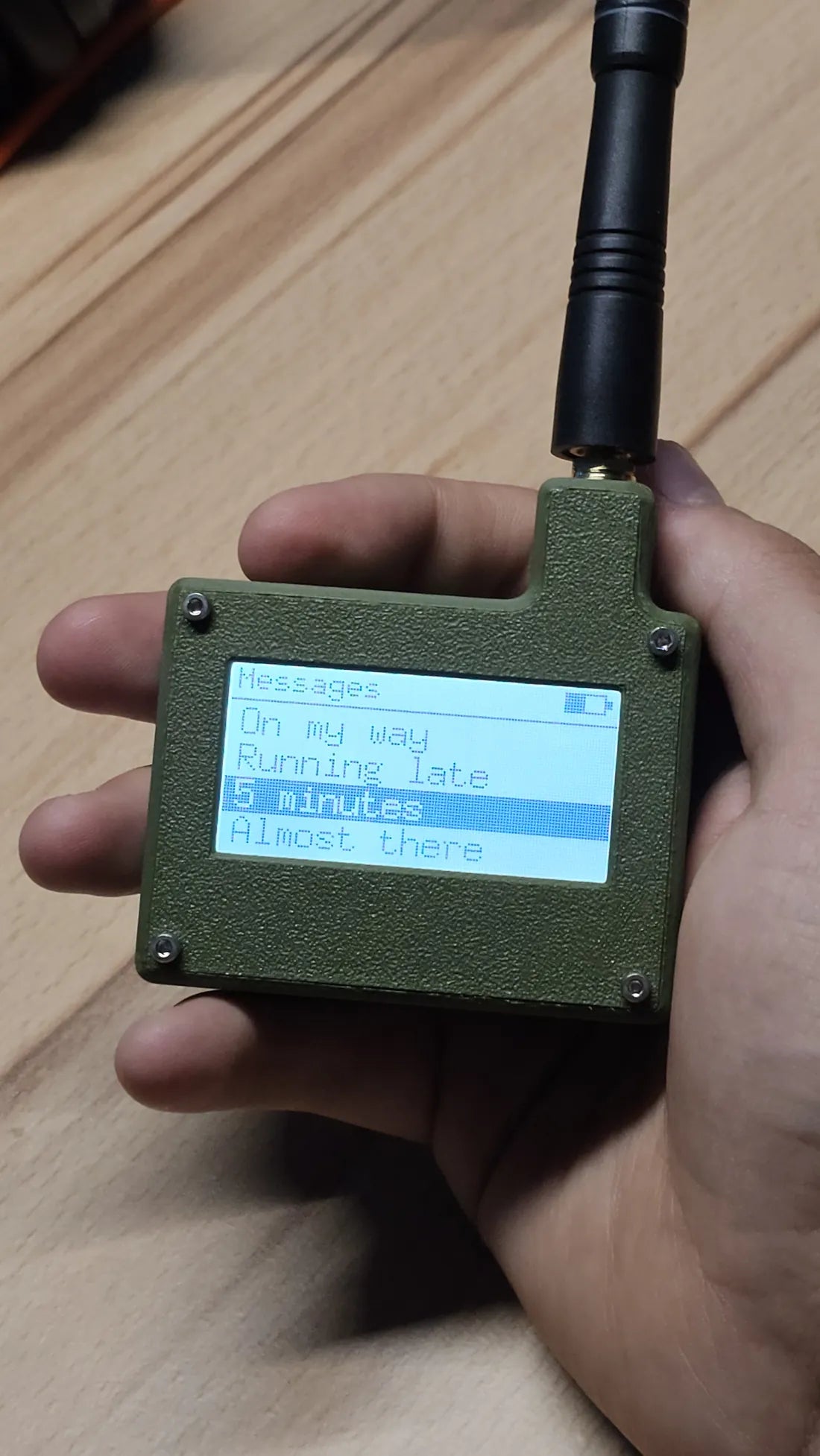
Your phone is useless the moment the towers are.
The D.C.S isn't. It carries a short text straight to its twin on a licence-free 868 MHz band — a signal engineered to travel far on almost no power.
Built on the same LoRa tech that reaches sensors kilometres away, it's a two-unit pager pair: one for you, one for whoever you can't afford to lose contact with. Assemble it, flash it, pick its personality, and it just works — silently, off the grid.
No towers, no SIM
Direct radio between two units. Nothing to sign up for, nothing to shut off.
Days on a charge
Deep-sleep at ~1–3 µA. It listens all day and still lasts, waking only for a packet.
Yours to modify
Every file is open — schematic, board, firmware, enclosure. Flash it three ways or write your own.
Tap a block to see what it does
Everything hangs off one nRF52840. These are the real nets from the KiCad project — the same pin map the firmware is built against.
How one press crosses the air
Press SEND and the message is a tiny framed packet — a magic byte, an animation id, then the text — thrown onto the band with a deliberately long preamble so a sleeping twin can't miss it.
One board, whichever firmware you flash
The same PlatformIO project builds three ways. Build your favourite — or fork it and write your own.
Love Notes
The signature build: scroll a preset, press, and both screens play a matching animation with a haptic buzz and chime.
- Pulsing hearts, floaters, banners, stars
- Preset messages, sent in one press
- The playful default
Plain
No animations, no fuss. Terse off-grid status pings with signal strength — the survival build.
- “On my way”, “All clear”, “SOS”…
- Shows RSSI on receive
- Maximum battery, minimum noise
Recon
A menu-driven tester that exercises every peripheral — the firmware used to prove the hardware before anything else runs.
- Display, wheel, haptics, buzzer, radio
- Live diagnostics over the RTT console
- Where every build starts
The numbers
Download everything
All open. Fab the board, build the firmware, print the case — or read it to learn how it's done. No account, no purchase.
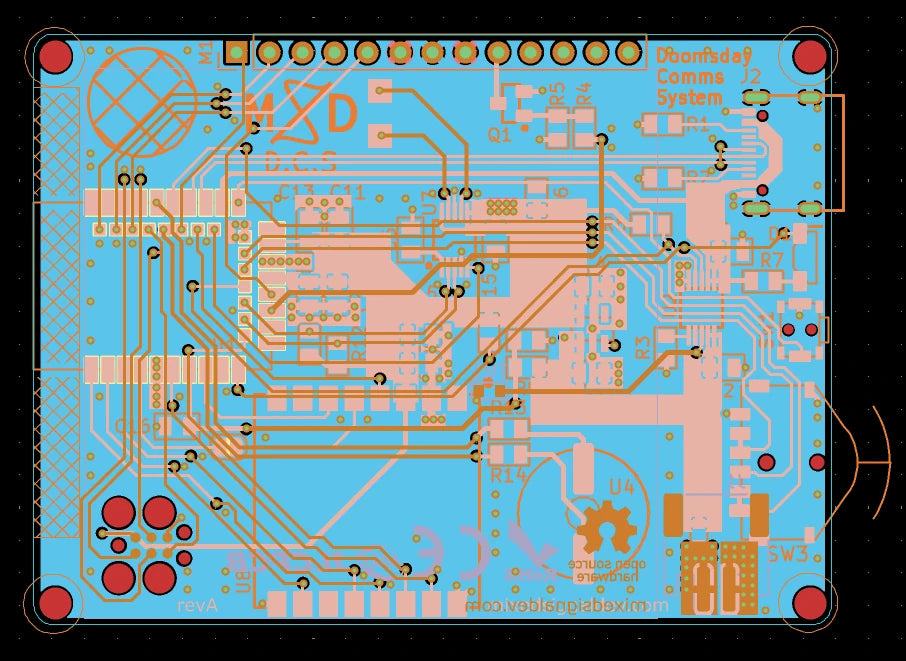
Fab-ready Gerbers
The production package straight from KiCad — copper, mask, silk, paste, drill. Send it to a fab as-is.
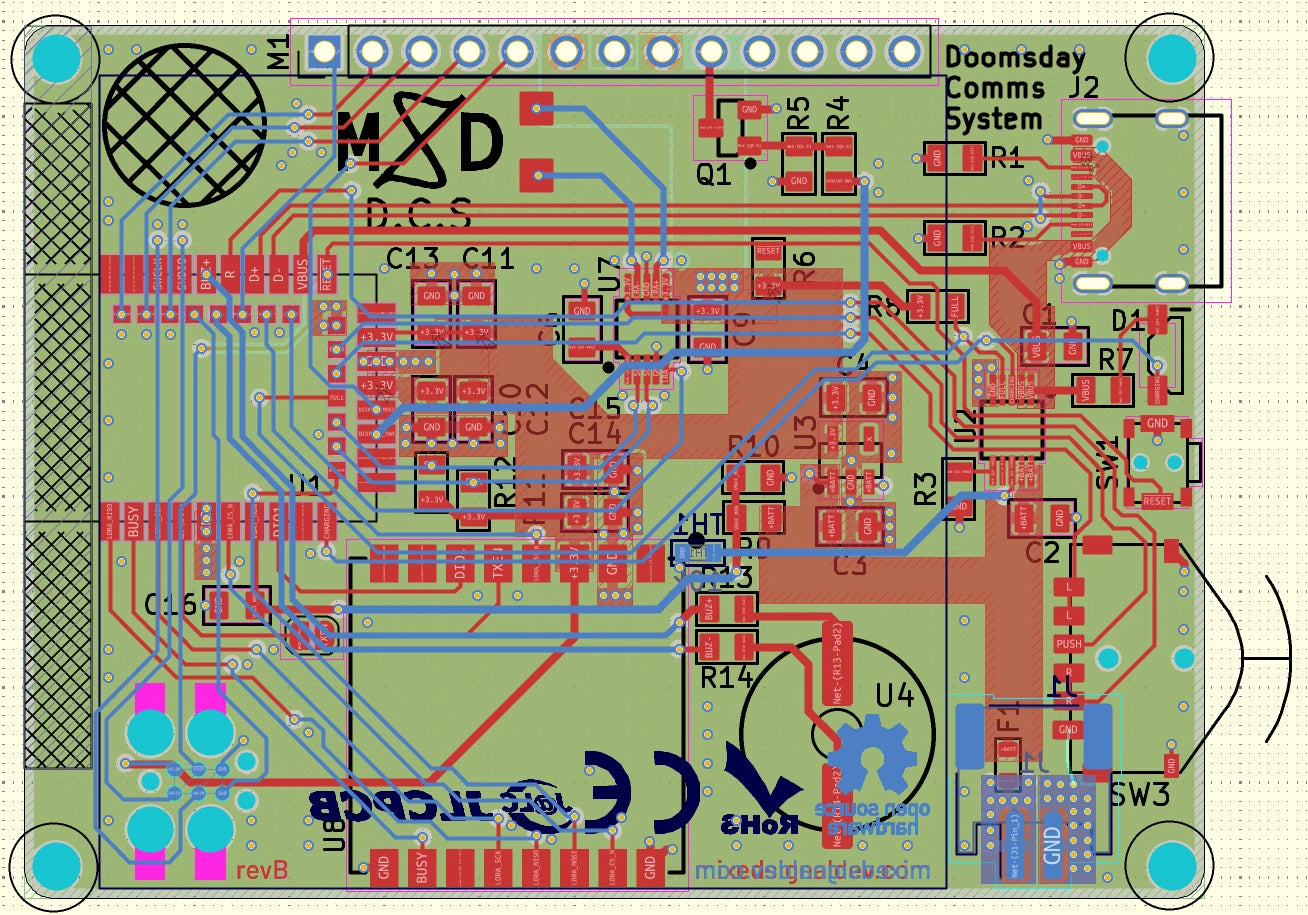
Full KiCad project
The editable schematic and 4-layer board. Change the pinout, add a PA, respin it — it's yours.
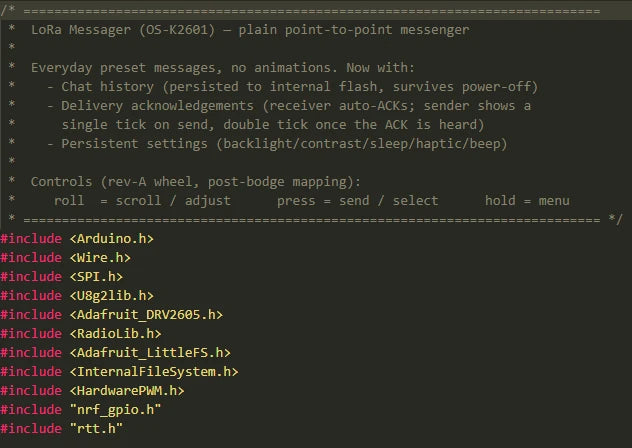
Firmware source
The whole firmware tree — bringup, messenger and plain — plus the board variant and pin map. Build and flash over SWD.
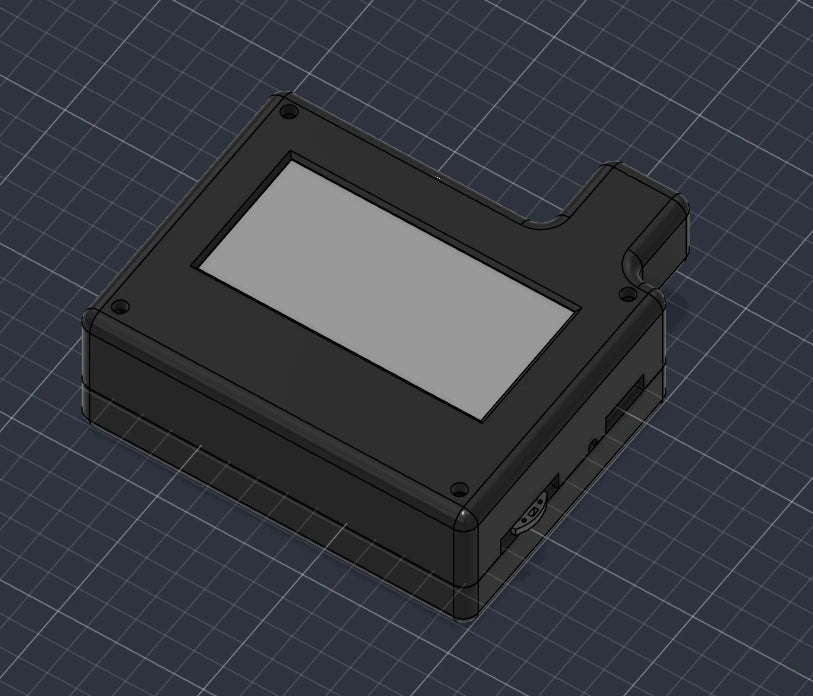
Enclosure + BOM
Printable top and bottom shells, a STEP model for CAD, and the bill of materials so you can source every part.
One repository — board, firmware, enclosure and docs, all in one place. Clone it, or grab the latest release.
Fabrication partner
Built with JLCPCB
The D.C.S is a collaboration with JLCPCB. They turn the Gerbers above into real 4-layer boards — the exact files, fabbed to spec at prototype prices. It's how a two-unit run like this goes from a KiCad project to something in your pocket.
- Prototype PCBs turned around in days
- Assembly (PCBA) if you'd rather not solder
- 4-layer, multi-finish — the spec this board needs
- The same process that made the D.C.S real
Our link supports MSD's open-source work — at no extra cost to you.

Build one in five moves
Roughly the real order. None of it is exotic — a fab order, a parts order, an afternoon with an iron.
Source parts
Work down the BOM: nRF52840 module, SX1262, LCD, wheel, battery.
Assemble
Solder it up and print the two shells. Fit the u.FL antenna.
Flash
SoftDevice once over SWD, then upload the firmware you chose.
Pair & go
Power both units. Same band, same magic byte — press SEND.
Three rules from the hardware notes
Never transmit without the antenna fitted. TXing into an open u.FL can damage the SX1262's output stage.
868 MHz is licence-free in the EU under ISM duty-cycle limits. Set the region to match where you are before you key up.
A hobby radio link, not certified life-safety gear. Fun, resilient and off-grid — but keep a real emergency plan too.