


I2C Bus Playground DIY Kit
I2C Bus Playground DIY Kit
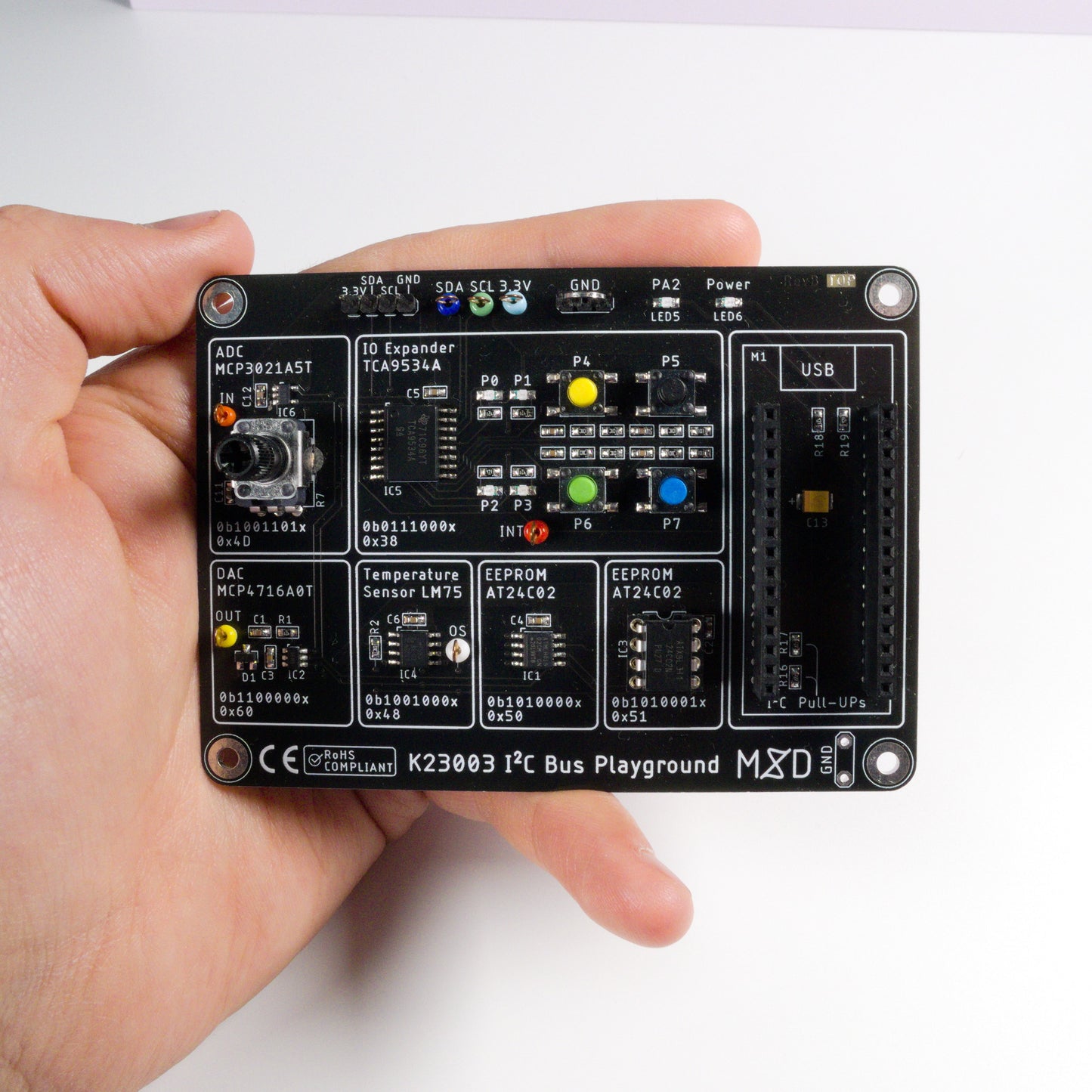
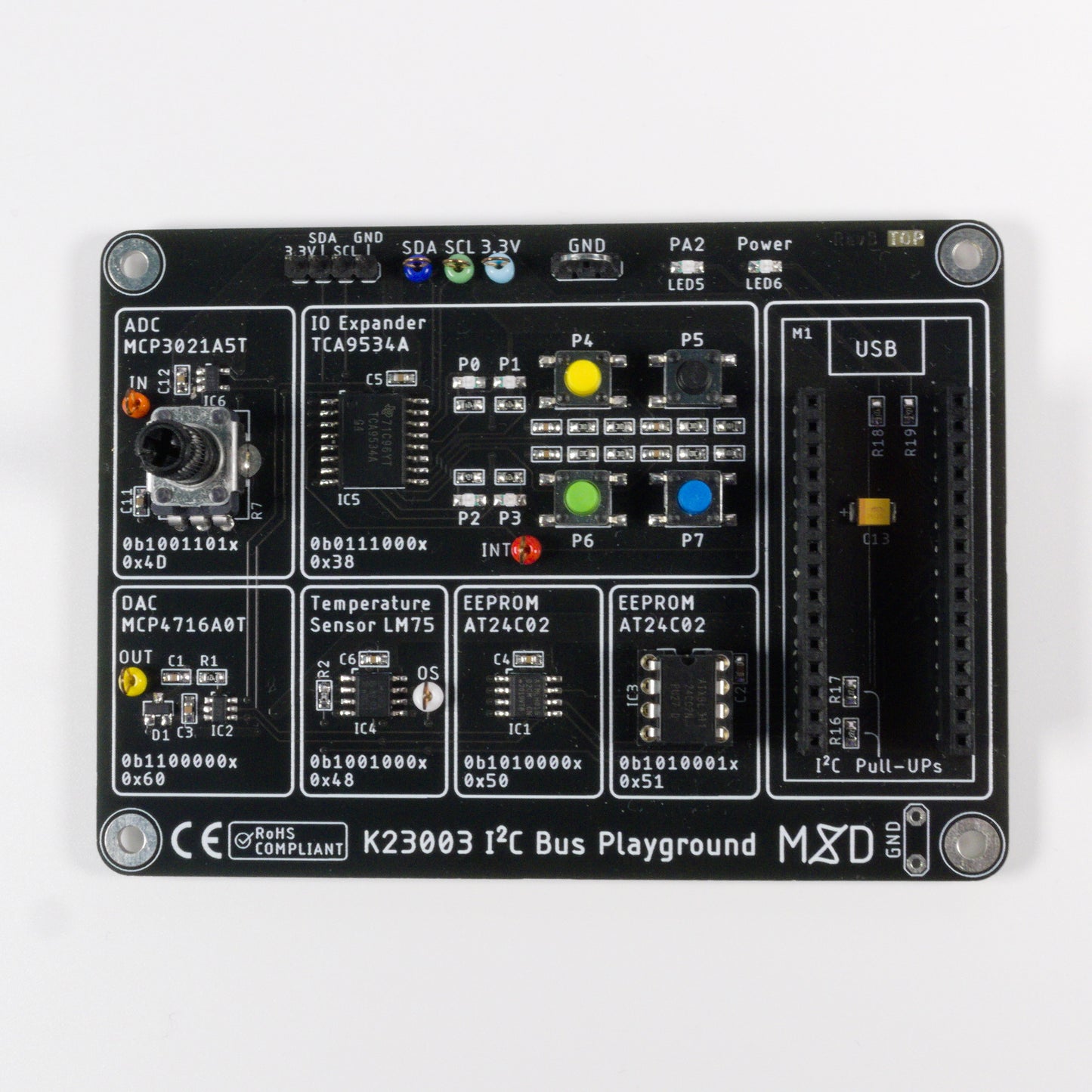
This kit teaches you the I²C communication protocol with seven real peripherals — EEPROMs, temperature sensor, ADC, DAC, and IO expander. You get the board, every component, and a 36-page engineering guide.
Skills you'll build
Couldn't load pickup availability


Skills you'll build
What's included
- PCB
- All components — LM75, 24C02 ×2, 10-bit DAC, 10-bit ADC, IO expander and all supporting passives
- Demo software
- Documentation — assembly guide and I²C protocol reference
About this kit
The I2C Bus Playground is a complete learning kit for the I2C communication protocol — the industry standard used in virtually every modern embedded system, from sensors to displays to memory chips. One board connects six different I2C peripherals to your microcontroller, all on the same two wires: SDA and SCL.
Connect an Arduino Nano or STM32 Nucleo32, load the included demo software, and immediately start communicating with a temperature sensor, two EEPROMs, a DAC, an ADC, and an IO expander. Measure temperature, store data, control outputs, read inputs — all through I2C.
This is an intermediate-level SMD kit. Components are in 0603 packages; a temperature-controlled soldering station is required and a microscope is recommended.
What you'll learn
- How I²C communication works — addressing, read/write operations, clock and data lines
- Working with 6 real I²C peripherals: temperature sensor, EEPROM ×2, DAC, ADC, IO expander
- How to measure temperature, store data, control outputs, and read inputs over two wires
- Device addressing and multi-device bus management on a shared bus
- How the I²C protocol is used in professional embedded design across automotive, industrial, and IoT
- Connecting an Arduino or STM32 to external peripherals via I²C
- How to use demo software to communicate with each peripheral without writing code first
Prerequisites & difficulty
Technical specifications
FAQ
Do I need to provide my own microcontroller?
Yes. The I²C Bus Playground works with an Arduino Nano or any STM32 Nucleo32 board — sold separately.
Do I need to write code to use this kit?
No. Demo software is included — load it and start communicating with the peripherals immediately. Writing your own code is optional.
What SMD experience do I need?
The board uses 0603 SMD components. Experience with 0603 or smaller is required. A microscope or magnifier is strongly recommended.
Browse the documentation
Every kit includes a full engineering design guide. Here's a preview.
Before you buy
Not sure what arrives in the box?
Every kit ships with the PCB, every component, the assembly guide and the full engineering design guide. See exactly what you get before you order.
Premium Engineering Files
Gerbers, firmware and simulation files come with every kit. After you order, enter your order email here to download them.